
How to Lock Uniswap V4 Liquidity (and Check If It's Locked)
Uniswap V4 has no LP tokens or pair contracts. Here is how to lock a V4 position, and how to check whether a V4 pool's liquidity is actually locked.
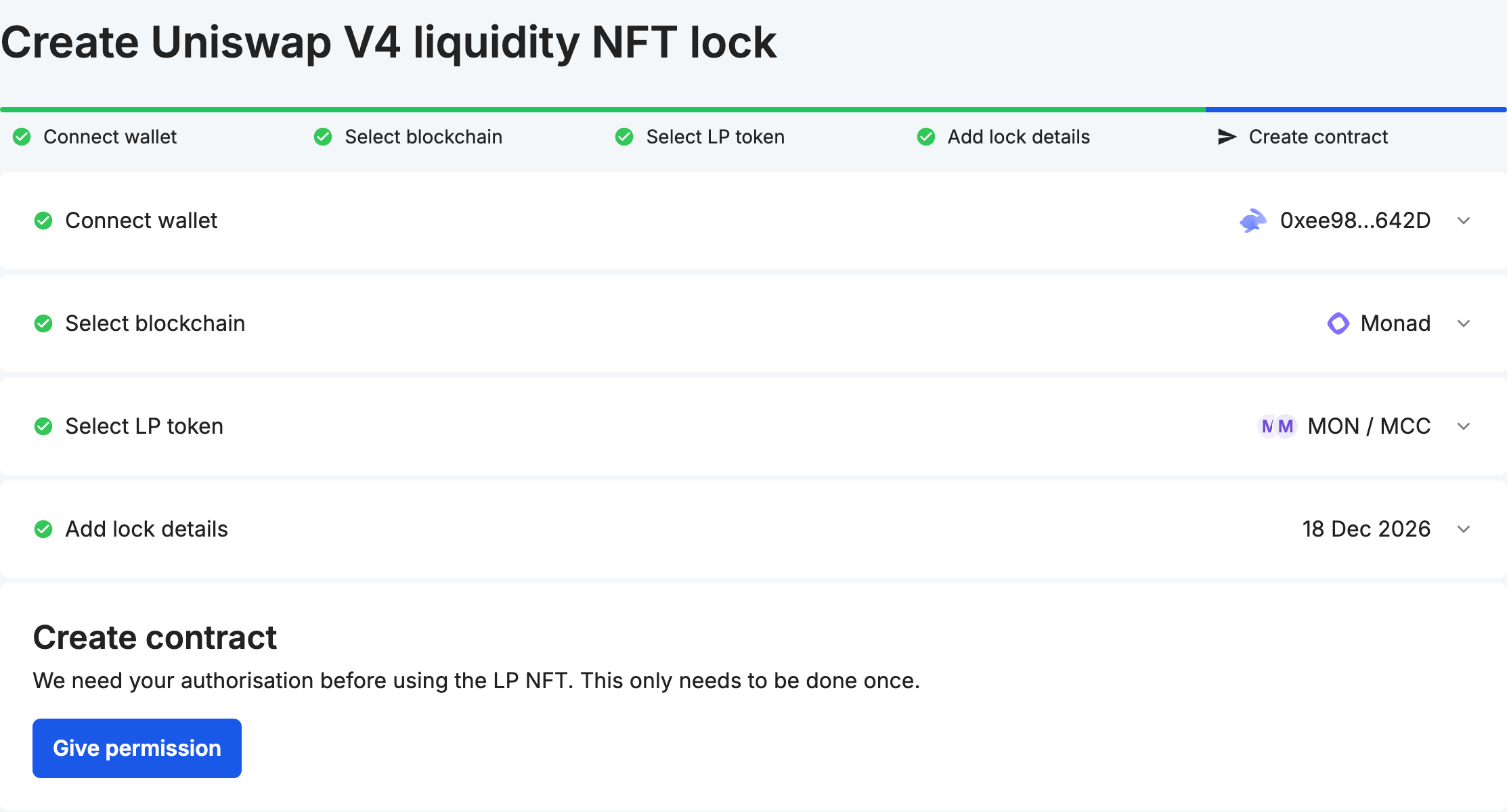
Uniswap V4 has no LP tokens and no pair contracts. Liquidity sits in position NFTs, every pool lives inside one PoolManager contract, and a pool can run custom hook code when liquidity is added or removed. On V2 you could check a lock by comparing locked LP tokens with total supply. On V4 that check doesn't exist, so you need to know what to look at instead.
This guide covers how to lock a V4 position on Team Finance, and how to check a V4 lock on a token you're thinking of buying.
How V4 liquidity differs from V2 and V3
- V2: liquidity is an ERC-20 LP token issued by the pair contract. A lock holds those tokens.
- V3: liquidity is a concentrated position, issued as an NFT. A lock holds the NFT.
- V4: liquidity is also a position NFT, issued by Uniswap's PositionManager. A pool is identified by its two currencies, fee, tick spacing and hook, not by a contract address. Pools can pair native ETH directly, without WETH.
If you're new to the topic, How Liquidity Locks Prevent Rug Pulls covers why locks matter.
How to lock a V4 position
Supported chains: Ethereum, BNB Chain, Base, Polygon, Avalanche, Arbitrum, Unichain, Monad, Robinhood Chain and Arc.
- Create the position on Uniswap and note its token ID. The position NFT is minted to your wallet when you add liquidity.
- Open the Uniswap V4 liquidity lock page and connect the wallet that holds the position. A Safe multisig works too.

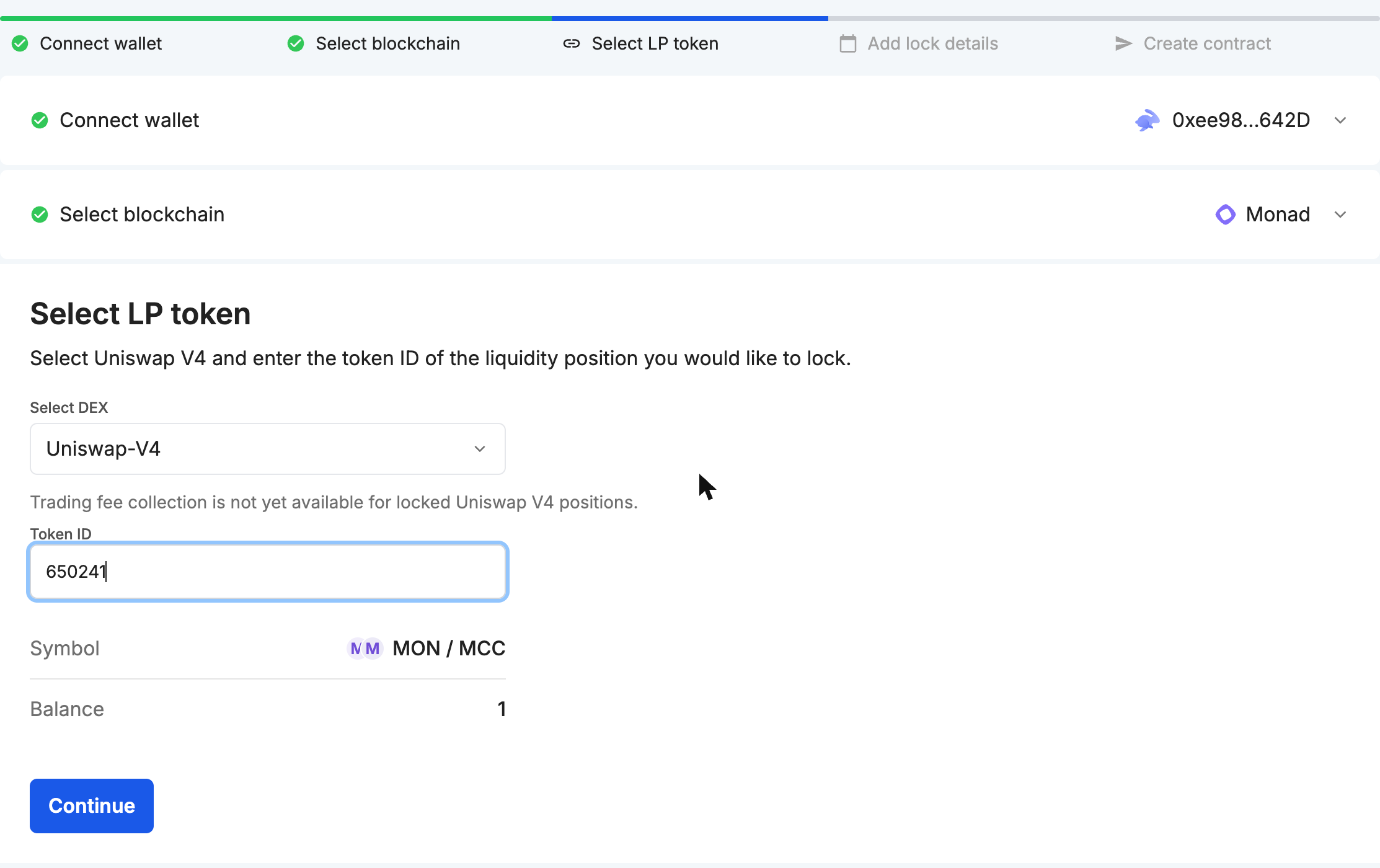
- Enter the token ID. Uniswap-V4 is already selected under "Select DEX". Check that the pair shown matches the pool your token trades in.
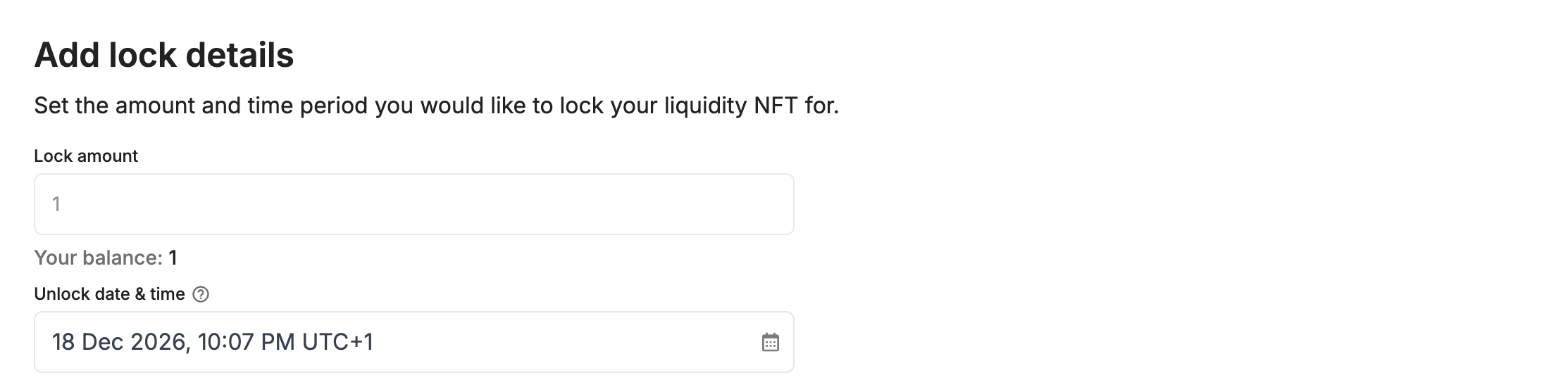
- Choose the unlock date and time. Times are in your local timezone. You can extend a lock later but never shorten it.
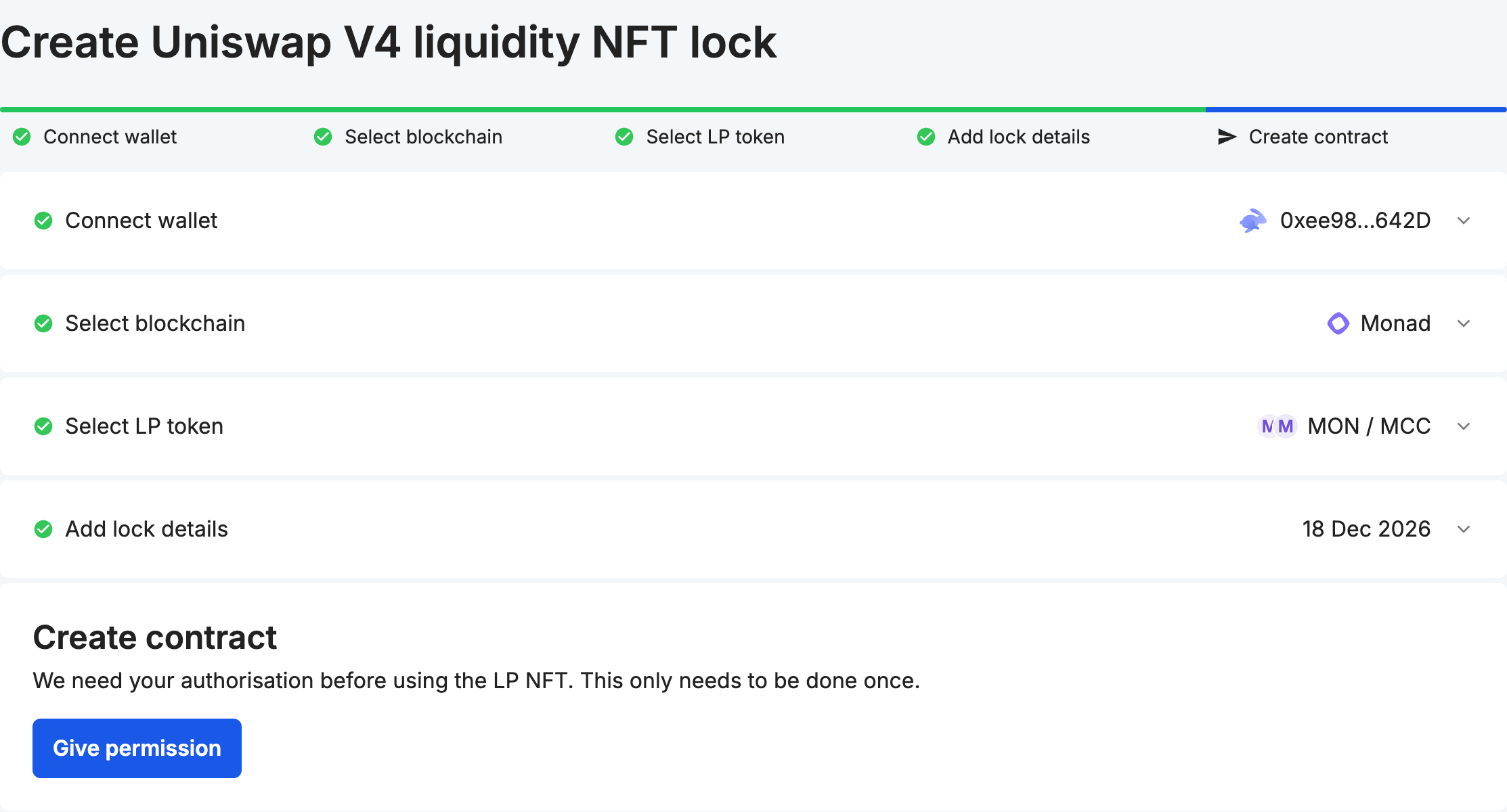
- Approve the NFT, then confirm the lock. The fee is the same as for other liquidity locks on that chain. See the pricing page.
- Share the token page link. That page is the proof holders will check.
Trading fees: fee collection isn't available for locked V4 positions yet, unlike V3. Fees keep accruing inside the position, and you can collect them after the lock ends and you withdraw the position.
How to check a V4 lock
- Open the token on Team Finance by searching its contract address. The LP Locks tab lists every V2 pair lock and every V3 or V4 position lock whose pool contains the token.
- Match the pool. A token can have several V4 pools with different fees or hooks. Make sure the locked position is in the pool where the token actually trades.
- Check how much of the liquidity is locked. A lock only covers the locked position. The Liquidity chart on the token page shows the share of the token's pooled liquidity that's locked, with V4 positions included. If most of the liquidity sits in unlocked positions, the lock protects little.
- Read the unlock date. A lock that ends next week is close to no lock.
- Check the hook. See the next section.
Hooks: what they change
A hook is a contract attached to a pool that runs at set points, for example before liquidity is removed. That gives launchpads a second way to keep liquidity in place. Instead of locking the position with a locker, they hold it in their own contract or use a hook such as beforeRemoveLiquidity to block removal.
That can be as strong as a lock, or much weaker. It depends on the code:
- Can an admin upgrade the hook or the contract holding the position?
- Is there an owner-only function that releases or moves the position?
- Does the restriction end on a date, on a condition, or never?
A locker gives one standard answer that anyone can read: this position can't be withdrawn before this date. A hook-based setup needs its code or its audit checked before you can say the same.
Some hooks can also change what a withdrawal pays out. For pools with those hooks, any dollar value shown for a locked position, on Team Finance or elsewhere, is an estimate based on the pool's price curve.
FAQ
Can I lock a V4 position I created before this launch?
Yes. Any V4 position NFT in your wallet can be locked, whenever it was created.
Can I transfer a V4 lock to another wallet?
Yes. A V4 lock can be transferred to a new owner, and the unlock date stays the same.
Can I lock part of a position?
No. A position is a single NFT, and the locker can't split NFT locks. To lock only part of your liquidity, create a separate position for it on Uniswap first.
Is locking the same as burning?
No. A burned position can never be recovered. A locked one returns to the owner after the unlock date. See Burning vs Locking LP Tokens.